Set Up Google Search Console for Your Website
Google Search Console allows to get information on your website and how people are finding your website on Google. It will also give you insights to issues with your website which will help increase your traffic and avoid penalties.
How to Sign up for Google Search Console (GSC)
To sign up for Google Search Console simply go to the Google Search Console Page.
Google will guide your through the setup. You will require a Google account which I hope you have by this point if you setup Google Analytics.
What are the Benefits of Google Search Console?
The benefits of using GSC are vast but it is even more appealing because it is free!
Performance Tracking
With GSC you want track your search results and how the user got to your website using Google. You can see:
-
The Queries used to find your website.
-
The Pages on your website and how many click and impressions each received.
-
The Countries which have searched and visited using the queries. You can see clicks and impressions here also.
-
The Devices used.
-
And your Search Appearance.
These can all be broken down using date filter as well as many other variables.
URL Inspection
The URL inspection is an often over looked feature of GSC. I test each article and pay attention to a few main areas.
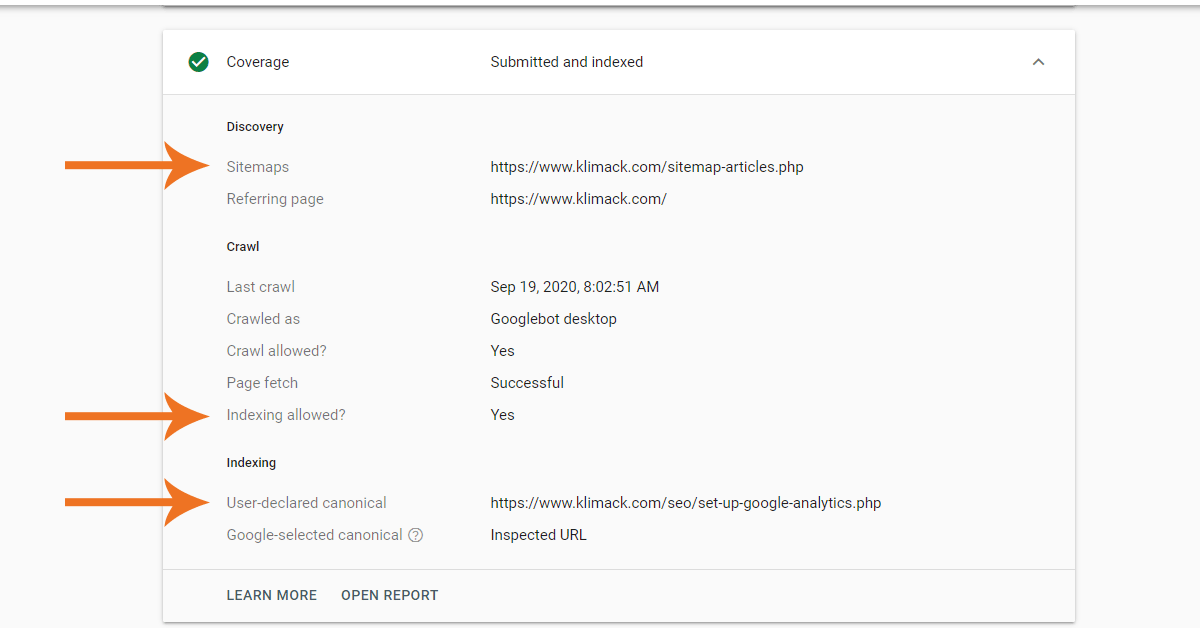
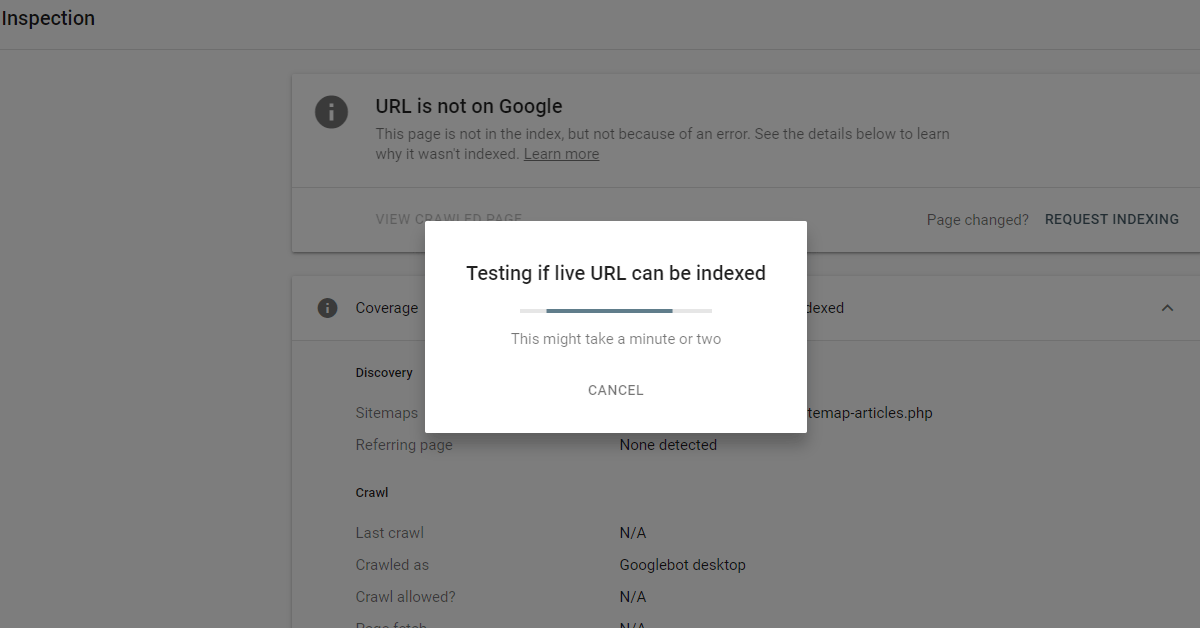
Another great feature of the URL inspection is that you can “Request Indexing” if your page does not appear on Google. I personally check every URL I have on my website.


Kevin Klimack
Kevin is an SEO Specialist & blogger who built the online presence & sales / support departments for CyberCafePro Internet cafe software before selling the company a few years ago. Kevin has worked with several industry leaders building SEO and web presence.
This page was last updated on .

13 Work From Home Tips

Backlinks are Important

Set Up Google Analytics ASAP!

Set Up Google Search Console for Your Website

How to use the Google Disavow Tool?
Check if your Website is Mobile Friendly using Google Speed Test
How to use the Google Disavow Tool?
Backlinks are Important
13 Work From Home Tips